Cover a substitute day
You're out — planned or last-minute — and you need a packet a substitute can hand out and manage without you in the room. Here's how to build a ready-to-go set of worksheets with answer keys in a few minutes.
Generate a few clear review worksheets on skills your class already knows — practice and review pages work best because a substitute can hand them out without teaching anything new. Use a study set to build a small pack at once. Include the answer keys (available on Teacher and Pro) so the sub can check work, and share a link digitally if you're leaving instructions remotely. For a surprise absence, save an emergency packet as a PDF and it's already handled.
How it fits together
Make clear, on-level review worksheets
Generate practice or review worksheets on skills your class already knows — independent work a substitute can hand out without explaining anything new.
Make a worksheetInclude the answer key
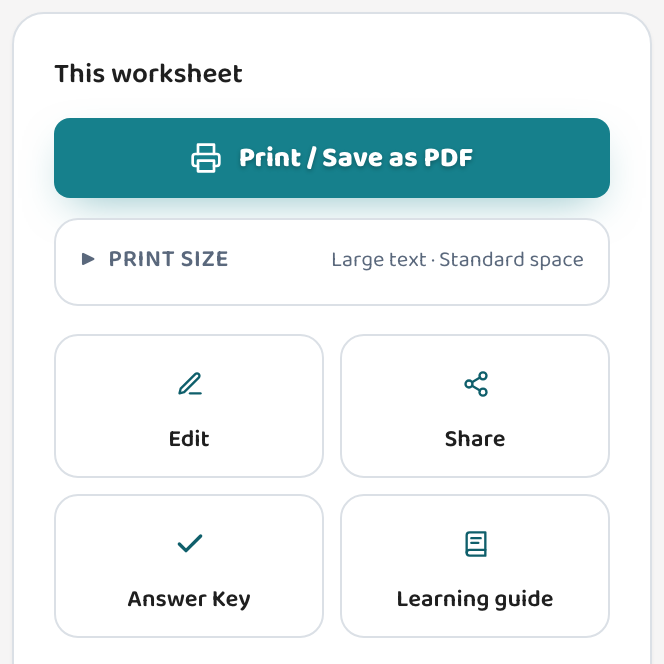
Every worksheet comes with a matching answer key on the Teacher and Pro plans — print those for the sub so they can check student work without guessing.
About the answer keyBuild a pack covering more than one subject
Use "Mix in standards" or a study set to cover a couple of subjects at once — a fast way to fill a full day without making each sheet by hand.
Put multiple standards on one worksheetShare digitally or save a PDF
Share a worksheet link so a sub can access it on any device, or save the whole packet as a PDF to print and leave ready. For a surprise absence, a saved PDF means it's already handled.
Share a worksheet
Common questions
What kind of worksheets work best for a sub?
Review and practice on skills your class already knows — independent work a substitute can hand out and support without teaching new material.
How do I make several at once?
Use "Generate study set" to build a pack across several standards in one go, or just generate a few worksheets back to back. Either way you'll have a multi-page packet in minutes.
Will the sub have answers to check against?
Yes — on the Teacher and Pro plans every worksheet comes with a matching answer key. Print those alongside the worksheets so the sub can check work.
Can I share the worksheet digitally instead of printing?
Yes. Use "Share a link" to create a public URL the sub can open in any browser — no login needed. The answer key is never included in the shared view.
Try it yourself, free.
Make a standards-aligned worksheet in under a minute. No credit card to start.
Start free