How do I make a worksheet with Lessonpress?
Create a free account — one click with Google — then walk through five quick steps: pick a grade, choose a subject, choose a worksheet type, describe what you're teaching, and set how long it should be. Lessonpress writes a standards-aligned, print-ready worksheet in under a minute, and you can print it or save it as a PDF. The free plan makes 15 worksheets a month and every new account starts with 7 days of full Pro — no credit card either way.
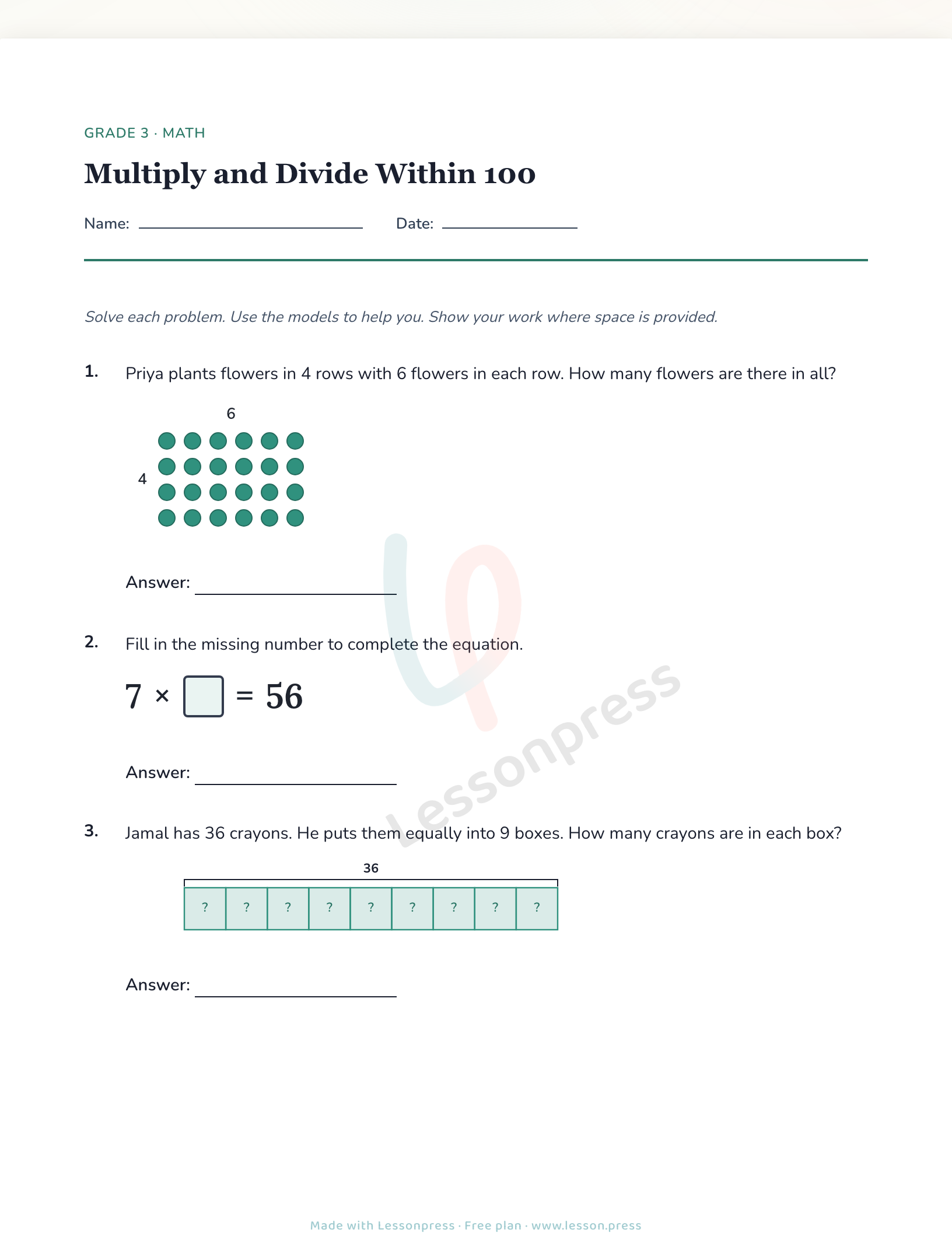
Step by step
Pick a grade
Choose anywhere from Kindergarten through Grade 5. This sets the reading level and the difficulty of every question.
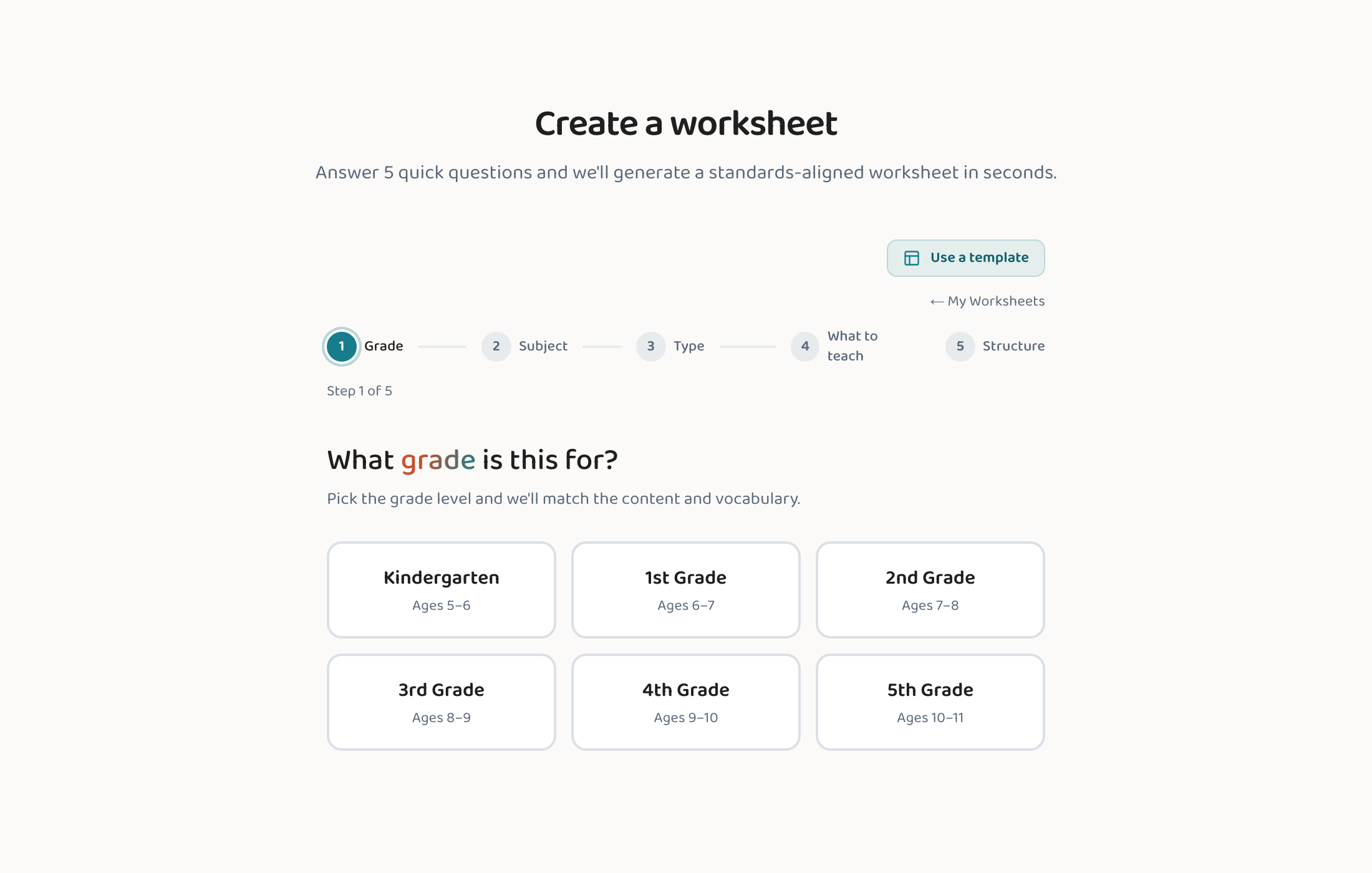
Choose a subject
Math, English Language Arts, Science, or Social Studies. Each subject is aligned to its real standards — the specific skills schools teach at each grade (like "adding two-digit numbers" or "finding the main idea"). Those come from Common Core for Math and ELA, NGSS for Science, and the C3 Framework for Social Studies. You don't need to know any official names or codes — you can just describe the topic in your own words.
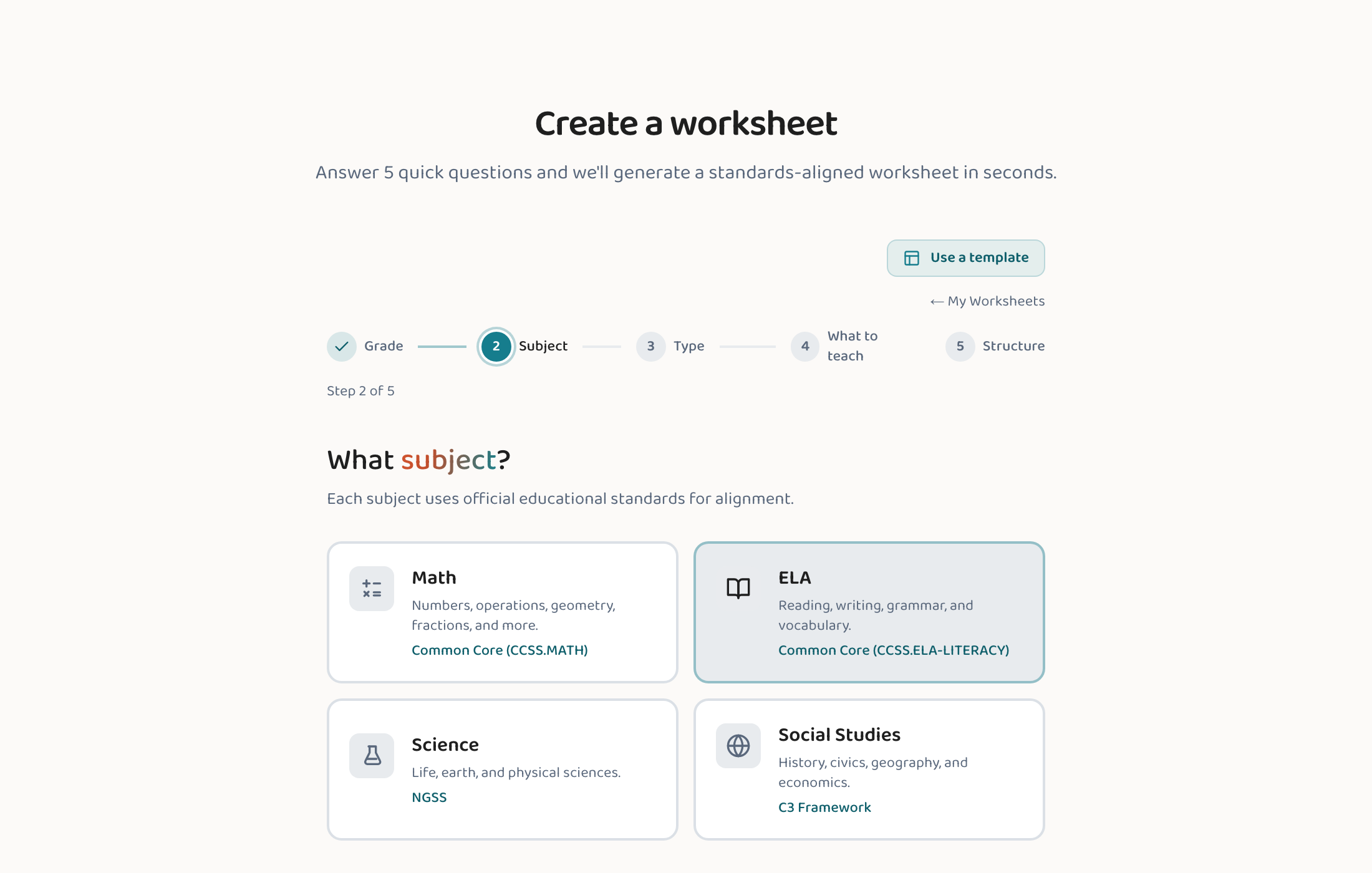
Choose a worksheet type
Tell Lessonpress what kind of page you want — practice problems, a reading passage with questions, a quiz, and more.
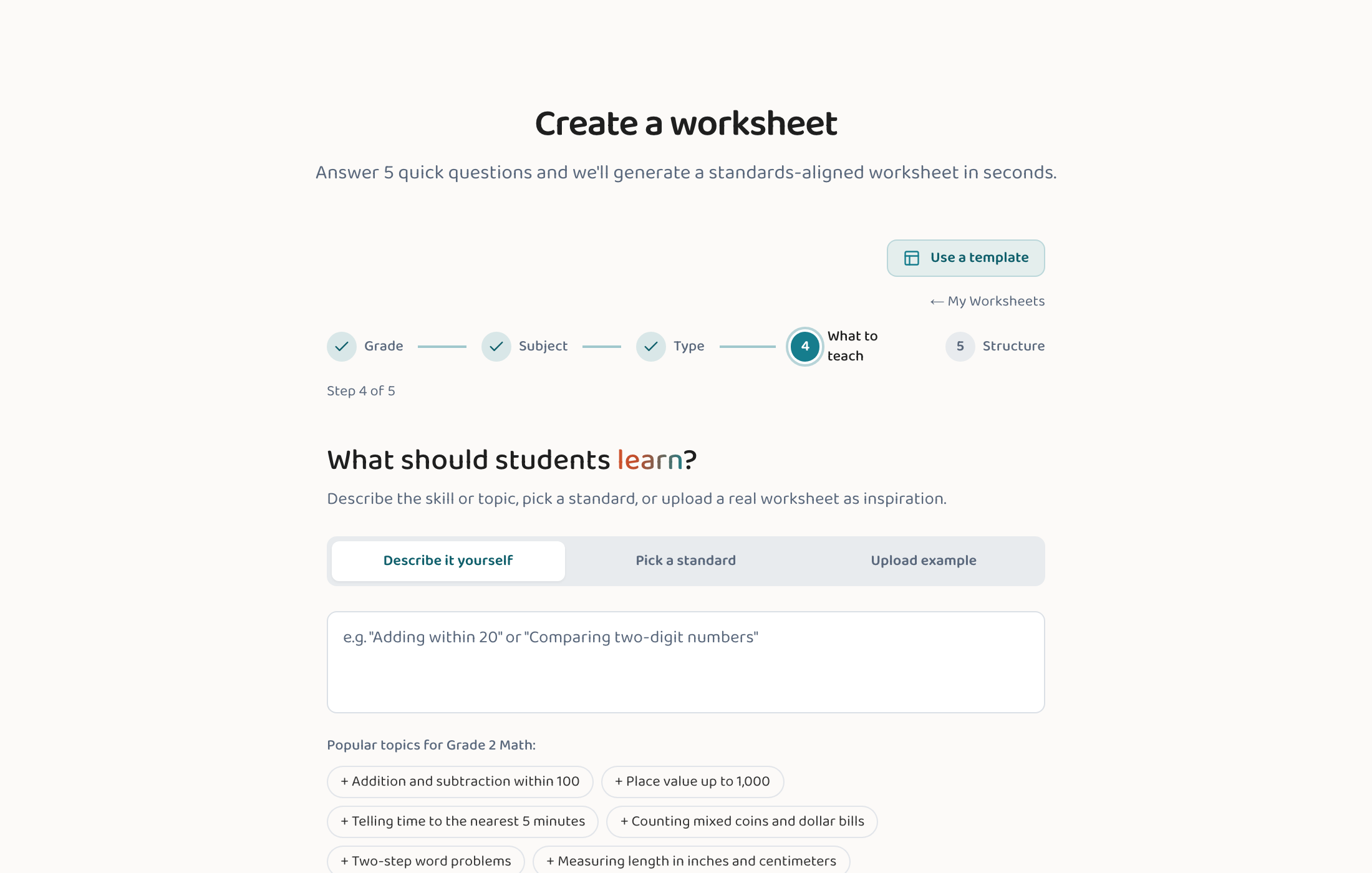
Tell Lessonpress what to teach
This is where you set the actual content — and there are three ways to do it. Pick whichever matches how you're planning the lesson:
- Describe it yourself: Type the skill or topic in plain English — like "adding two-digit numbers with regrouping" or "main idea and supporting details" — and Lessonpress matches it to the right standard for you. Best when you know the topic but not the exact standard code.
- Pick a standard: Browse the standards for your grade and subject and choose the exact one you want to target — Common Core, NGSS, or the C3 Framework. Best when you're planning straight from your curriculum or pacing guide.
- Upload an example: Drop in a photo or PDF of a worksheet you already like, and Lessonpress builds a fresh one in the same style on your topic. Best when you want to match a format you're used to. How to make a worksheet from a photo
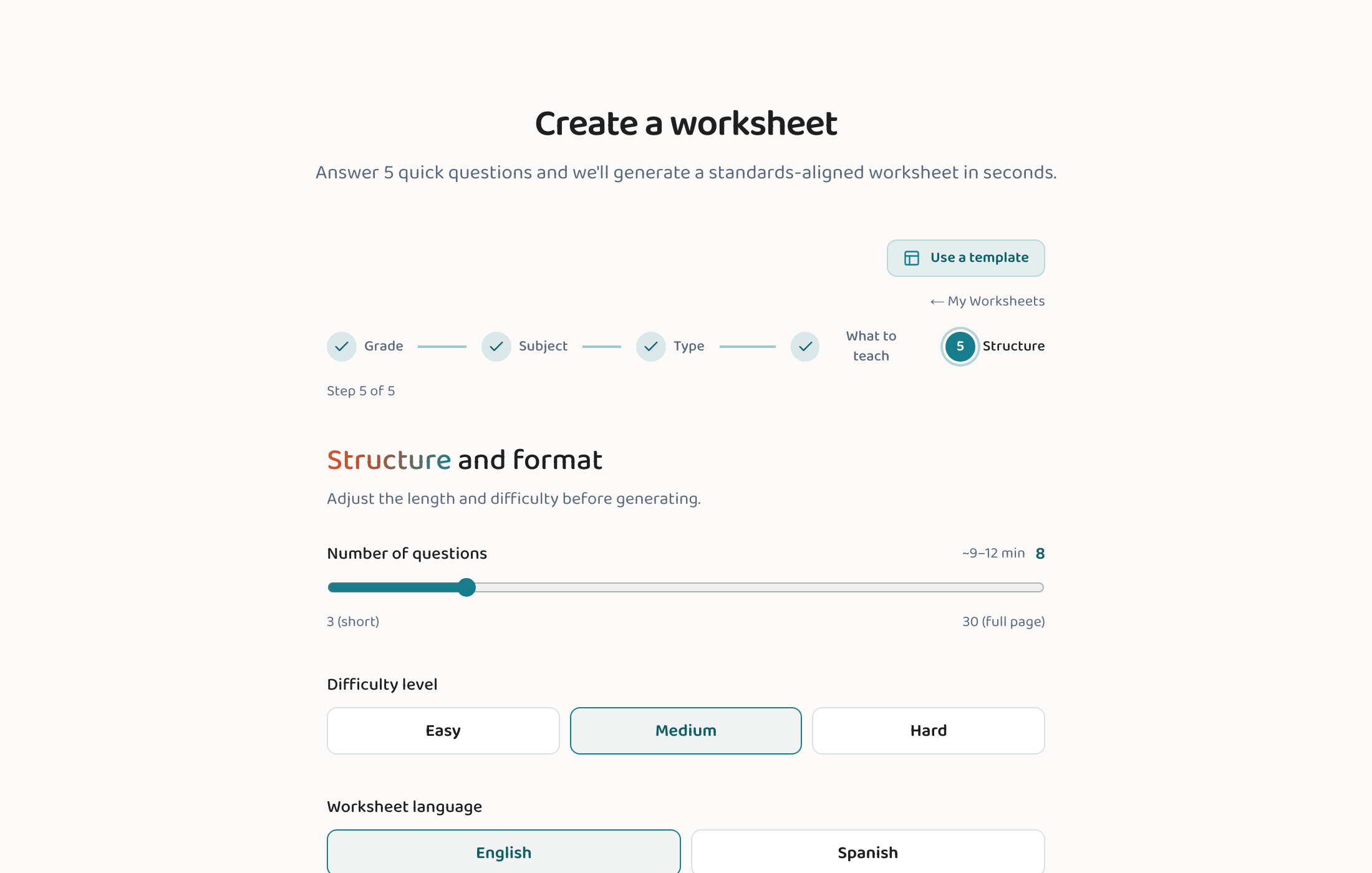
Set the structure and generate
Choose roughly how many questions you want, then press generate. In under a minute you'll have a finished, print-ready worksheet.
Print, save, or tweak
Review the page, then print it or save it as a PDF to hand straight to students. (On the Teacher and Pro plans, you can also fine-tune any question by hand in the block editor first.)
Good to know
- The more specific your description, the closer the worksheet is to what you had in mind.
- On the Teacher and Pro plans, a matching answer key comes with every worksheet automatically — you don't ask for it separately.
- Don't love the result? Generate again — or, on the Teacher and Pro plans, edit individual questions in the block editor.
- Want worksheets with a fun theme (dinosaurs, space, ocean…)? The Theme picker is on by default — it adds a theme choice to Step 5 of the wizard, and you can toggle it in Account → Customization.
- If you described your lesson in plain text, a "suggested standard" banner may appear on the finished worksheet — Lessonpress matched a standard to your description and offers it for you to accept or dismiss. It's never applied silently; you decide.
Common questions
Do I need an account to make a worksheet?
You need a free account to make one, and signing up takes a moment with Google or email. Without signing up you can still read finished worksheets on the examples page, or try the whole app in the live demo. Every new account starts with 7 days of full Pro and no credit card; after that the free plan makes up to 15 worksheets a month.
How long does it take?
Usually under a minute from the last step to a finished, print-ready page.
Is the worksheet really aligned to standards?
Yes. Math and ELA align to Common Core, Science to NGSS, and Social Studies to the C3 Framework. You can pick the exact standard, or describe your lesson and Lessonpress will match one.
Try it yourself, free.
Make a standards-aligned worksheet in under a minute. No credit card to start.
Start free