Is my students' data private on Lessonpress?
Lessonpress is built so that students never have accounts. When you make a class roster, you enter only names — there are no student emails, logins, or passwords, and students never sign in. You can even use initials or codes instead of full names if you prefer. The rosters, worksheets, and scores you create belong to your account and aren't shared with other users. You stay in control of your data: from your Account page you can export a copy of your worksheets, templates, classes, students, and scores at any time, and deleting your account permanently removes all of it. For your school or district's specific data-privacy requirements, check with them — this guide describes how Lessonpress handles data, not a legal compliance determination.
Step by step
Students never have accounts
Only you sign in. Students don't create accounts, don't log in, and don't have emails or passwords in Lessonpress — the tools work entirely from the roster you keep.
Rosters are names only
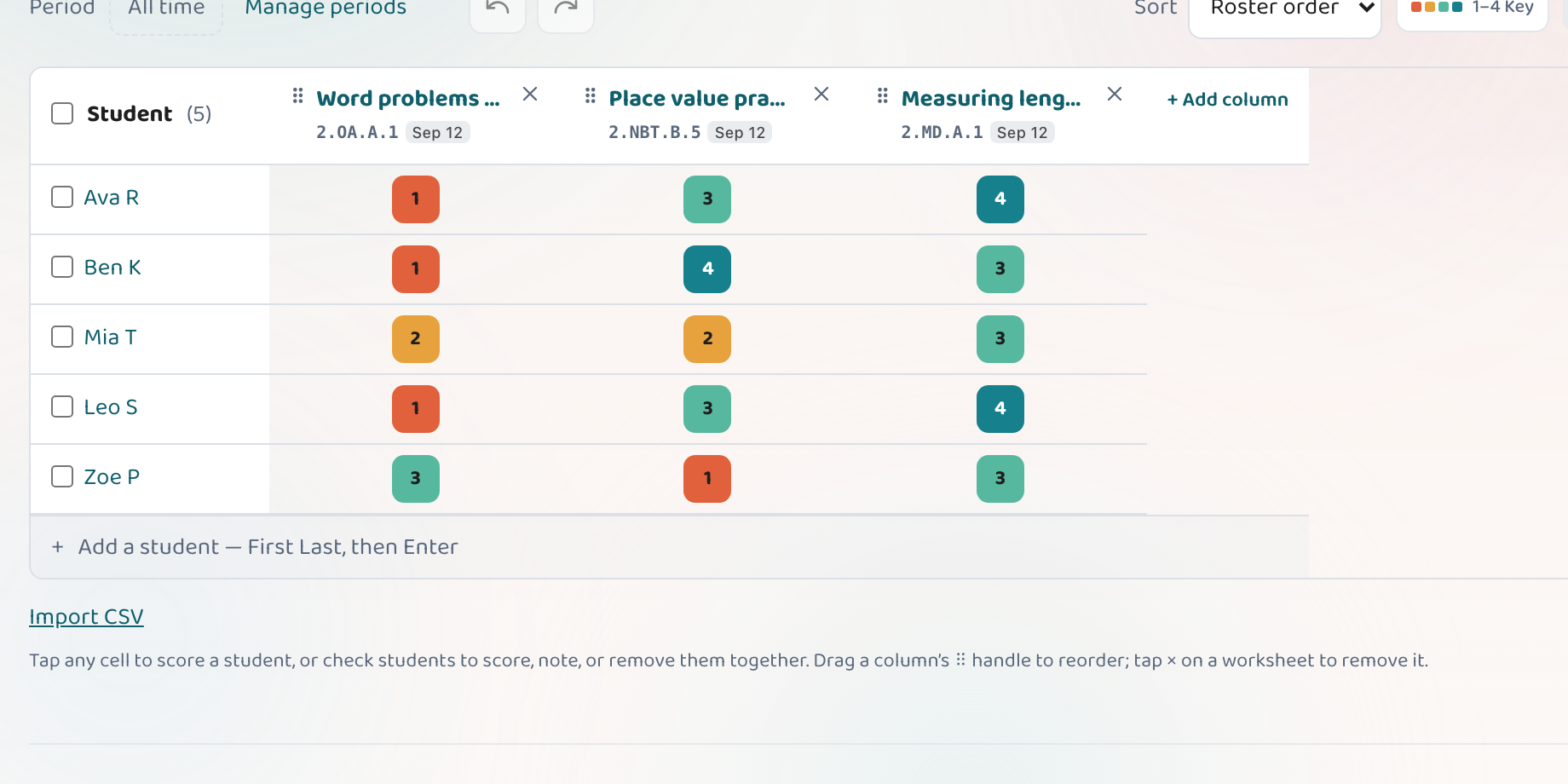
A class roster stores the student names you type in — nothing more. There are no student email addresses, logins, or accounts. If you'd rather not use full names, initials or codes work fine.
Your data is yours
The worksheets, templates, rosters, and scores you create are tied to your account and aren't shared with other users.
Export or delete anytime
From your Account page you can export a copy of your data whenever you want, and you can permanently delete your account — which removes your worksheets, templates, rosters, and scores.
Good to know
- You choose what to enter — you never have to use students' real full names; initials or a class number work for scoring and reports just as well.
- Because students don't have accounts, there's no student login to manage or secure.
- For your school or district's own data-privacy rules and approvals, check with them directly.
Common questions
Do students need accounts or logins?
No. Only you sign in to Lessonpress. Students never create accounts or log in — there are no student emails or passwords involved.
What student information does a roster store?
The names you type in, so you can score work and see per-student progress. There are no student emails, logins, or accounts — and you can use initials or codes instead of full names if you prefer. If you add your own notes against a score, those are stored too; they're private to your account and come out in your export.
Can I delete my data?
Yes. The export on your Account page gives you a JSON file with your worksheets, templates, classes, students, scores, grading periods, and custom columns. Deleting your account permanently removes all of it.
Is Lessonpress approved for my school or district?
That's a decision for your school or district — check with them about their data-privacy requirements and approval process. This guide explains how Lessonpress handles data; it isn't a legal compliance statement.
Try it yourself, free.
Make a standards-aligned worksheet in under a minute. No credit card to start.
Start free