Make practice sheets at home, on your schedule
Your child is working through something at school and you want to give them a little extra practice — on your timeline, not a teacher's. Here's how to make a worksheet on exactly what they're learning, at exactly the right level, with an answer key so you can check their work.
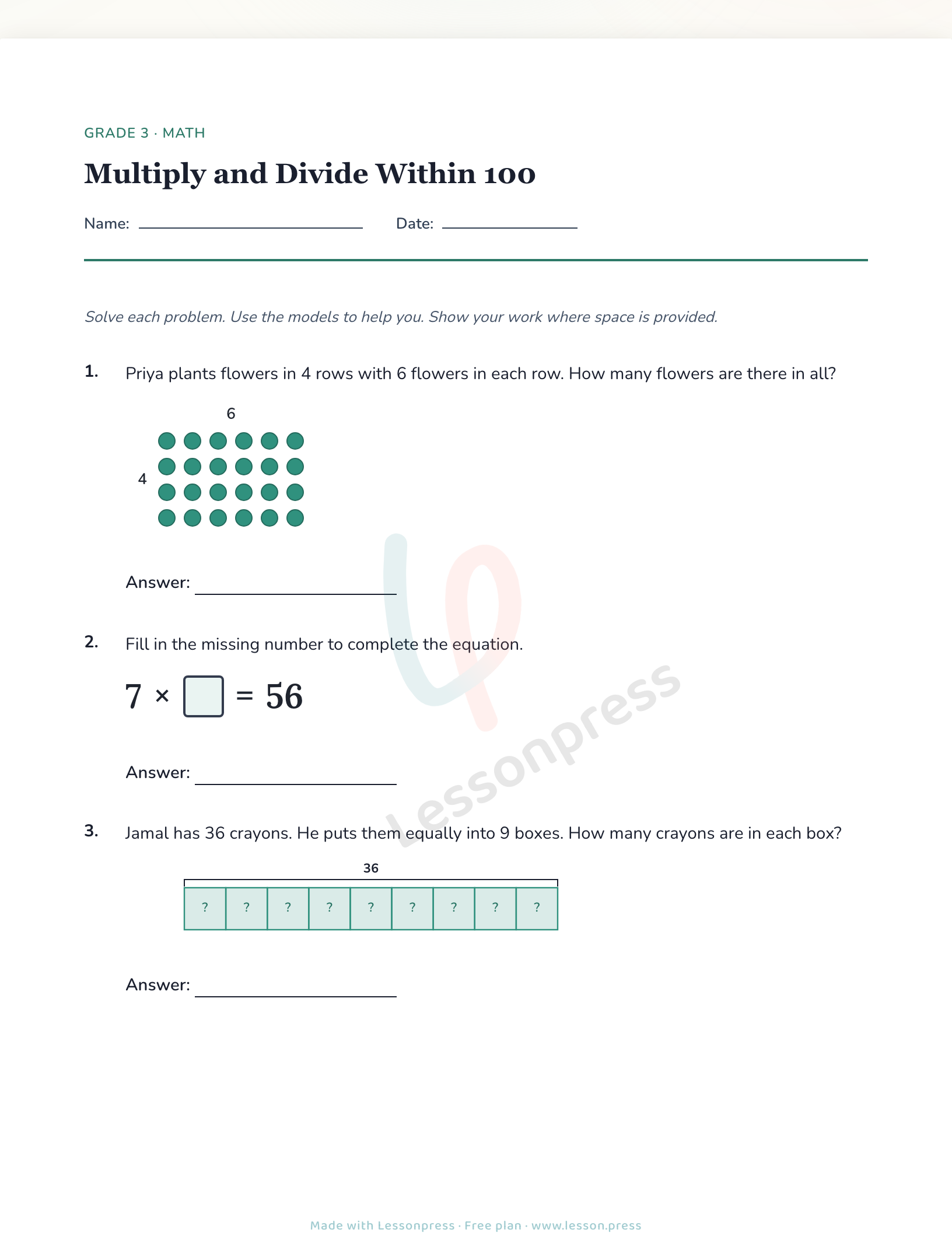
Describe what your child is practicing — the grade, subject, and the specific skill — and Lessonpress writes a clean, print-ready worksheet in under a minute. If the first version is a bit too easy or too hard, dial it up or down in one click. Need it in Spanish? Switch the language. Generate the answer key alongside the worksheet so you always know what the right answers are, and add a learning guide for at-home tips on how to support the practice session. No lesson plans, no teacher login required.
How it fits together
Describe what your child is working on
Pick the grade, subject, and skill — or just type what your child is practicing in plain language — and Lessonpress builds a worksheet around it.
How to make a worksheetDial the level up or down if needed
If it lands a little too easy or a little too hard, one click adjusts the difficulty. You can also switch to Spanish for bilingual households.
Change the difficulty or languageGet at-home practice tips
Add a learning guide for ideas on how to walk through the practice together, explain the concept, and support your child without feeling like you need to be a teacher.
Tips for practicing at homeGenerate the answer key
Get a matching answer key so you can check your child's work — no guessing, no Googling.
About the answer key
Common questions
Do I need a teacher account to use Lessonpress as a parent?
No. You can make worksheets as a parent — no school email or teacher verification needed. You can start building as a guest, then create a free account to generate and save your worksheet.
What if I don't know the exact standard my child is on?
You don't need to know. Just describe what they're learning in plain language — 'my Grade 2 kid is working on two-digit addition' — and Lessonpress picks the right standard for you.
Can I get a Spanish version of the worksheet?
Yes. After generating a worksheet, use the Translate button to get a Spanish version — same content, same level, different language.
Try it yourself, free.
Make a standards-aligned worksheet in under a minute. No credit card to start.
Start free