Adapt a worksheet you already use for a specific student
You have a worksheet that works well — it covers the right skill, the layout is clear, it's a good model. But this student needs it easier, or harder, or in Spanish. Here's how to upload the original and get a fresh version tuned to that student's level.
Snap a photo or drag in a PDF of the worksheet you like, and Lessonpress reads it to understand the skill and format. It then generates a new worksheet on the same skill — not a copy, but a fresh version inspired by what you uploaded. From there, use the difficulty controls to pitch it exactly where your student is: Level down for a student who needs more support, Level up for one who's ready for more. You keep the practice structure that works; Lessonpress handles the adaptation.
How it fits together
Upload the worksheet you want to adapt
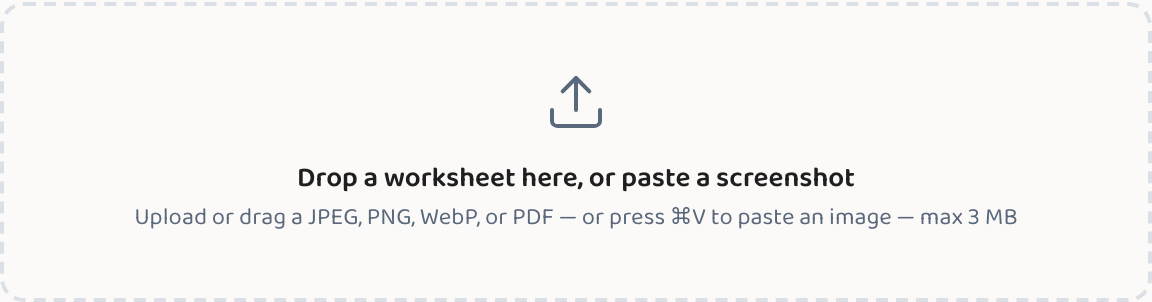
Drag in a PDF or snap a photo of the worksheet — Lessonpress reads the skill and format so the new version stays in the same spirit.
Make a worksheet from a photoDial the difficulty to your student's level
Use Level down for a student who needs more support, or Level up for one who's ready to be stretched — same skill, different pitch.
Change the difficulty or language
Common questions
Does it copy the original worksheet exactly?
No — it generates a fresh worksheet inspired by the skill and format of the original. You get new questions on the same topic, not a reproduction of someone else's work.
What file types can I upload?
PDFs and common image formats (JPG, PNG) — take a photo of a paper worksheet, or drag in a digital file. Lessonpress reads the content and uses it as inspiration.
Can I get a Spanish version of the adapted worksheet?
Yes. After the adapted worksheet is generated, use the Translate button to switch to Spanish — same skill, same level, in Spanish.
Try it yourself, free.
Make a standards-aligned worksheet in under a minute. No credit card to start.
Start free