How do I add my child?
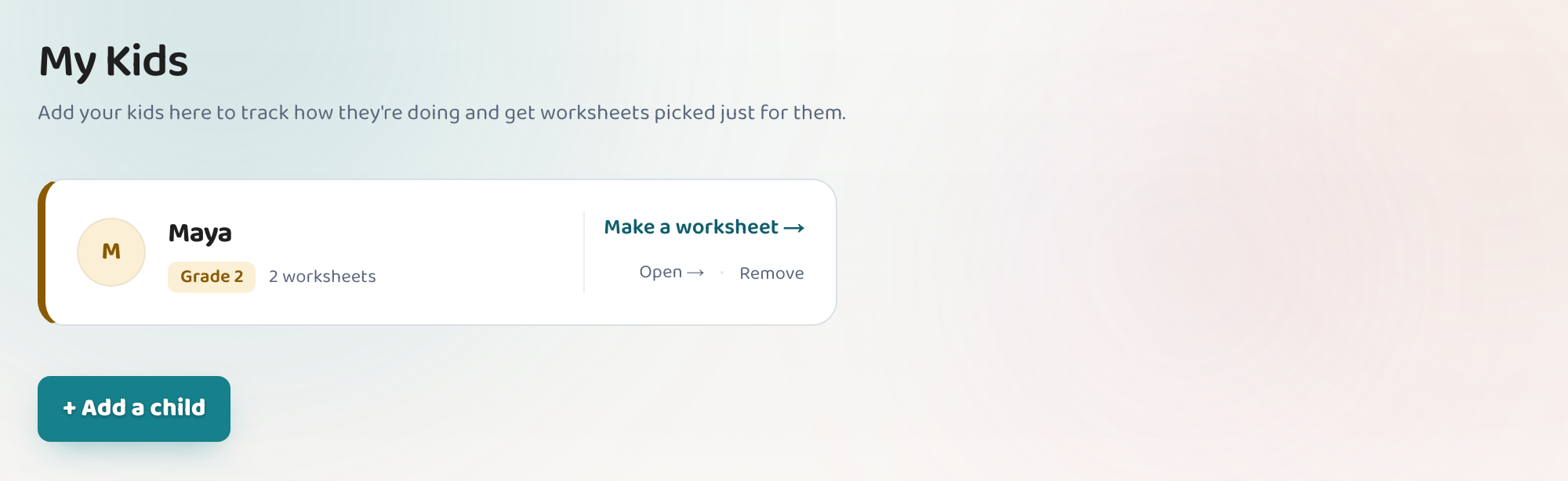
Open "At home" in the sidebar and choose to add a child. All you need is a first name and the grade they're working at — nothing else, and no account for them. Once a child exists, Lessonpress can keep their worksheets together in one place, suggest what to practice next, and (if you switch it on) show how each skill is going. The free plan covers one child; the paid plans have no limit. You can change a child's grade later, and removing a child never deletes the worksheets you made.
Step by step
Open "At home"
It's in the left sidebar, and it's always there — you don't need to have added anyone yet.
Add your child's first name
A first name is enough. Lessonpress never asks for a surname, a birthday, an email, or a login for your child — they never need an account of their own.
Choose the grade they're working at
Usually the grade they're in at school. If they're ahead or behind in one subject, pick where they're actually working — you can change it whenever you like, and it only affects which topics get suggested.
Make their first worksheet
From their page, everything you make is kept together, so you build up a picture of what they've done rather than a pile of loose files.
Good to know
- The free plan covers one child. Teacher and Pro have no limit.
- Removing a child leaves every worksheet you made intact — they just stop being filed under that child.
- Nothing about your child is shared, sold, or used to train anything.
Common questions
Does my child need their own login?
No. Everything happens in your account. If they answer a quiz on screen, they do it on your device — there's no separate sign-in for them.
How many children can I add?
One on the free plan, and as many as you like on Teacher or Pro.
What if I pick the wrong grade?
Open that child's page, expand "Settings," and change the Grade — it's the first thing in there. It only affects which topics are suggested next; nothing you've already made changes.
Do I have to add a child to use Lessonpress at home?
No. You can make worksheets without adding anyone. Adding a child is what turns a pile of one-off worksheets into something that keeps track and suggests what's next.
Try it yourself, free.
Make a standards-aligned worksheet in under a minute. No credit card to start.
Start free