How do I manage or cancel my Lessonpress plan?
Open your Account page, go to "Billing," and click "Manage billing." That takes you to Stripe's secure billing page, where you can cancel your subscription, update your card, or download invoices. If you cancel, you keep your paid features until the end of the period you've already paid for, then move to the Free plan automatically — your worksheets and account stay yours. Billing is handled by Stripe, so Lessonpress never sees or stores your card details.
Step by step
Open Account → Billing
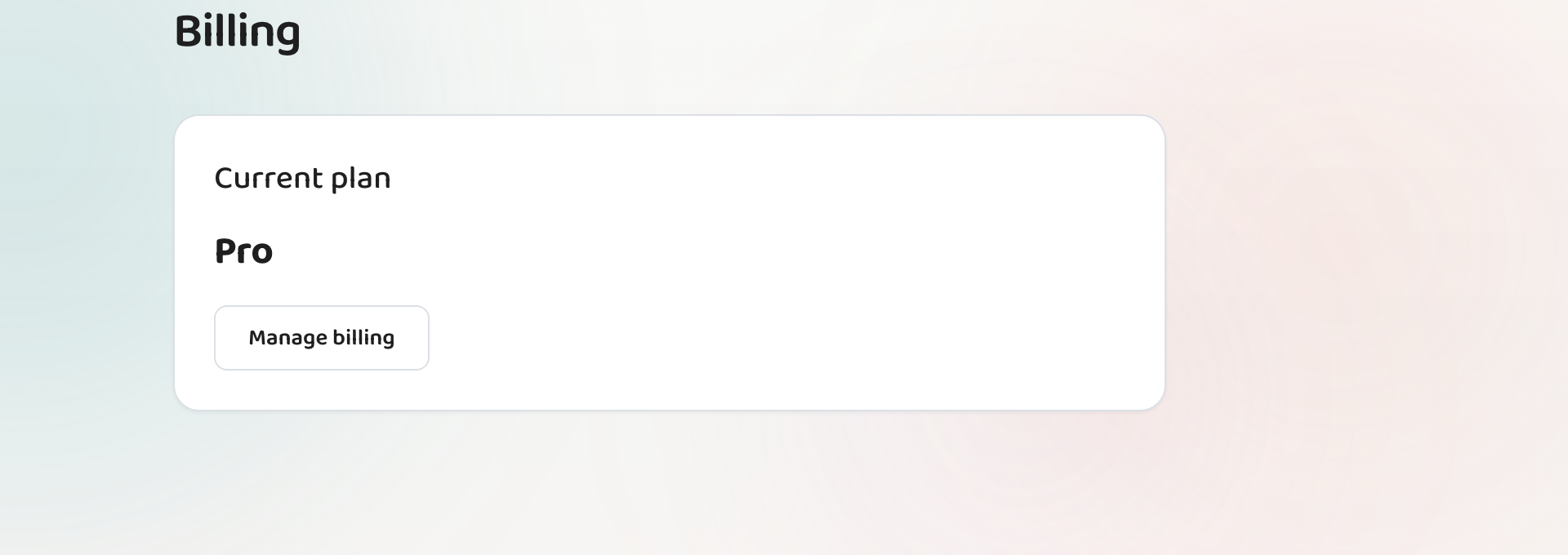
Sign in, open "Account" from the menu, and go to the "Billing" section. It shows your current plan and, for an active subscription, your next renewal date.
Click "Manage billing"
Click "Manage billing" to open Stripe's secure customer portal. Stripe processes Lessonpress payments, so this is where all subscription changes happen.
Cancel or update there
In the Stripe portal you can cancel your subscription, update your payment card, or download past invoices. Cancel, and your plan is set to end at the close of the current billing period.
Keep access until the period ends
After you cancel, your paid features stay active through the end of the period you've already paid for. When it ends, your account moves to the Free plan automatically — nothing is deleted.
Good to know
- Your worksheets, templates, and rosters stay with your account after you downgrade to Free — you just return to the free limits (up to 15 new worksheets a month).
- Lessonpress never sees your card number; Stripe handles payment details securely.
- If a charge wasn't right for you, email contact@lesson.press within 14 days for a full refund of your most recent payment — no questions asked (see the Cancellation & Refunds policy). After that, there's no refund on unused time, but since it's month-to-month you're never locked in — cancel any time and keep access until the period ends.
Common questions
What happens to my worksheets if I cancel?
They stay yours. Canceling moves you to the Free plan at the end of your paid period; your saved worksheets, templates, and rosters remain, and you can still open and print them (Free makes up to 15 new worksheets a month).
Does canceling take effect immediately?
No — you keep your paid features through the end of the billing period you've already paid for, then move to Free automatically. That way you don't lose access you've paid for.
Where do I update my payment card?
In the same place: Account → Billing → "Manage billing" opens the Stripe portal, where you can update your card, cancel, or download invoices.
Try it yourself, free.
Make a standards-aligned worksheet in under a minute. No credit card to start.
Start free